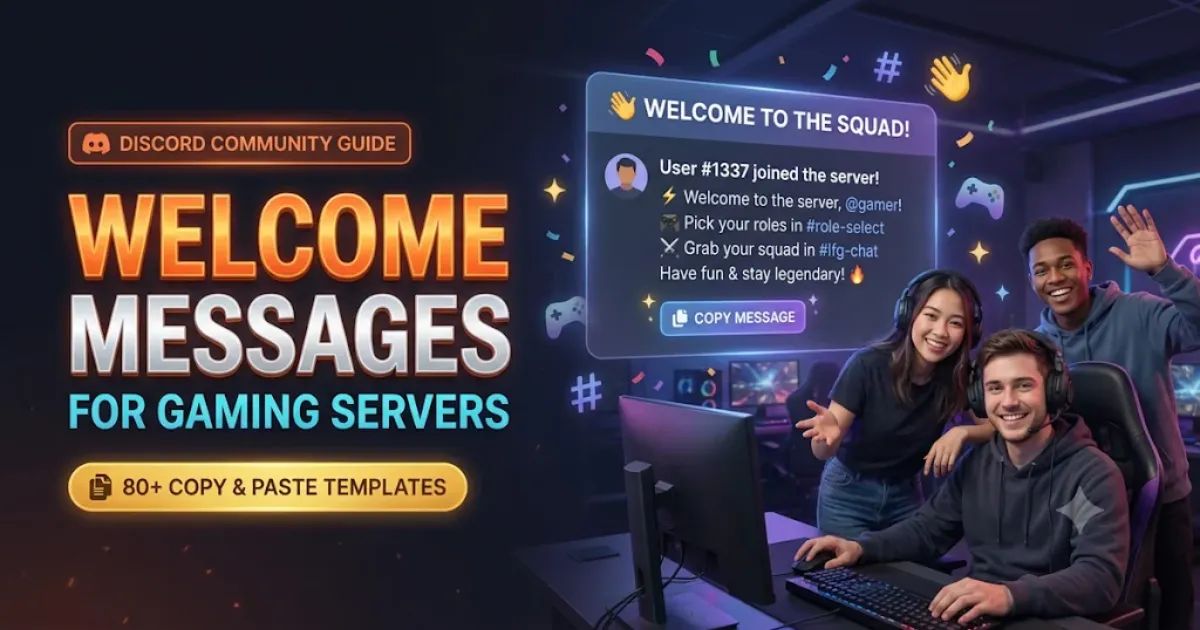
A new member joins your gaming Discord server. They see a long channel list, a few unfamiliar role names, and a general chat where everyone already knows each other.
Where should they start?
A useful welcome message answers that question without making someone read a wall of instructions. It introduces the community, points newcomers toward the right channels, and gives them an easy way to join the conversation.
Below are 80 Discord welcome messages for gaming servers that you can copy and personalize. You'll find short greetings, funny gaming messages, ranked squad invitations, Free Fire and Valorant welcomes, cute aesthetic greetings, Hindi and Hinglish messages, and longer templates for community onboarding.
Before copying: Replace placeholders such as [Member], [Server Name], and [Contact] with your own details. Channel names are examples. If you're using a welcome bot, check its documentation for the correct member and server variables. Different bots use different placeholder formats.
10 Short Discord Welcome Messages
A short greeting works well when your welcome channel receives frequent new members. It should be friendly enough to make someone feel included, but brief enough that the next person can find the important information.
Welcome to [Server Name], [Member]! 🎮 Check out the rules, say hello in general chat, and tell us what you're playing lately.
A new teammate has joined! Welcome, [Member]. Find your favourite game channel and make yourself at home.
Hey [Member], glad you're here! 👋 We're a group of gamers who enjoy good matches and good company. Introduce yourself whenever you're ready.
Welcome aboard, [Member]! Start with #rules, then head to #general to meet the crew.
Welcome to the lobby, [Member]! 🎮 If you're looking for teammates, our LFG channels are a good place to begin.
Hey [Member]! You joined at a good time. Check #game-plans to see what everyone is playing next.
Welcome in, [Member]! No pressure to jump straight into voice chat. Say hello whenever you feel comfortable.
Glad you found us, [Member]. New players and experienced gamers are both welcome here. Ask if you need help finding anything.
[Member] has entered the lobby. Someone find the extra controller. 🎮
Welcome, [Member]! Pick your game roles, find your people, and join a match when you're ready.
Short messages are especially useful when your server already has a clear channel structure. If the rules, game channels, and team-finding areas are easy to locate, the greeting doesn't need to explain everything.
10 Friendly Welcome Messages for Gaming Communities
Some Discord servers feel more like a group of friends than a competitive team. Members might play different games, share screenshots, talk about their day, or sit in voice chat without playing anything.
These messages are written for that kind of community.
Hey [Member], welcome to [Server Name]! Some of us play competitively, others just hang out. There's room for both. Tell us a little about yourself in #introductions.
Welcome, [Member]! What's your current favourite game? Drop the name in #general. There's a good chance someone here plays it too.
Glad you're here, [Member]. Our group usually gets together around [Time], but the chat is always open for game recommendations and random conversations.
Welcome to our weekend gaming crew! [Member], check #weekend-plans if you'd like to join the next session. You don't need to play every week.
We might be a small server, but we remember our regulars. Welcome, [Member]! Say hello and let us know which games you enjoy.
Welcome in, [Member]! Whether you play every night or you're getting back into gaming after a break, we're happy to have you around.
Hey [Member]! You don't need to play the same game as everyone else to belong here. Browse the game channels and join whatever interests you.
Welcome, [Member]. You can introduce yourself now or just explore for a while. When you're ready to chat, we'll be around.
New face in the server! Say hi to [Member]. If you're looking for a gaming friend, tell the group what you play and when you're usually online.
Welcome to [Server Name], [Member]! We share wins, laugh at mistakes, and try not to leave anyone looking for teammates all night.
For a friendly community, avoid making your first message sound like a job application. New members shouldn't need to provide their rank, hours played, or complete gaming history just to say hello.
10 Ranked, Squad and LFG Welcome Messages
If your Discord server exists mainly to help people find teammates, the welcome message should make that clear.
The best version tells a newcomer where to look for a duo, trio, full squad, or practice group.
Welcome, [Member]! Looking for ranked teammates? Head to #ranked-lfg and share your game, region, current rank, and usual play time.
Hey [Member], welcome to our gaming community! Need one reliable duo partner? Start with #duo-finder and tell people what mode you prefer.
Welcome aboard, [Member]! Our squad channels are organized by game. Check #squad-finder when you need teammates for your next four-player session.
Welcome, [Member]. We enjoy competitive matches, but respectful communication comes first. Read #rules before joining team voice channels.
Hey [Member]! If you're here for scrims and organized practice, check #scrim-schedule and #team-recruitment for the current information.
Welcome to [Server Name]! [Member], choose the kind of matches you enjoy. We have spaces for casual games, ranked sessions, and practice.
Glad you're here, [Member]. To find players with a similar schedule, share your region and time zone in #lfg. No personal location details needed.
Welcome, [Member]! Mic on or mic off, you can still find teammates here. Mention your voice chat preference when posting an LFG request.
A new player just entered the queue! Welcome, [Member]. Take a look at #team-availability to find out who's playing today.
Welcome, [Member]! Trying to improve at a game? Our practice channels are open for match reviews, questions, and finding someone to train with.
Ranked communities should be particularly clear about expectations.
If your server only accepts players above a certain rank, state that requirement where players can find it. If beginners are welcome, don't make the first greeting sound like everyone must be a tournament player.
10 Game-Specific Discord Welcome Messages
A dedicated game community can make its welcome message more personal by referring to things players actually do in that game.
These messages cover popular multiplayer, mobile, survival, and co-op gaming communities.
Booyah! 🎮 Welcome to [Server Name], [Member]. Find Battle Royale teammates in #br-squad-finder, or head to #clash-squad-lfg for CS matches.
Welcome to the squad, [Member]! 🪖 Check #bgmi-lfg for ranked teammates and #match-plans to see when the next group is dropping in.
Hey [Member], welcome! Whether you're here to climb ranked or play an unrated five-stack, check #valorant-lfg and find a queue that suits you.
Welcome to our little blocky world, [Member]! ⛏️ Read #smp-rules and #join-instructions before entering the server. We can't wait to see what you build.
Hey [Member]! Welcome to our Roblox community. Share your favourite experience in #roblox-chat or check #play-together to find someone exploring the same game.
New player on the island! Welcome, [Member]. 🪂 Looking for a duo or squad? Check the Zero Build and Build Mode channels to find your next party.
A new legend joins the lobby. Welcome, [Member]! Tell us your favourite Legend and find your next trio in #apex-lfg.
Welcome to [Server Name], [Member]. Need teammates for your next CS2 session? Check #premier-lfg, and share practice questions in #utility-lineups.
Welcome to the garage, [Member]! 🚗 Whether you're working on aerials or just want a casual match, start with #rocket-league-lfg.
Welcome, Traveler [Member]! ✨ Need help with a boss or want someone to explore with? Our co-op channels are a good place to start.
Use these messages only for the games your community actually supports.
A Free Fire welcome won't help much if the server no longer has active Free Fire channels. Update the greeting when your community's focus changes.
10 Funny Discord Welcome Messages for Gamers
A funny welcome message can make a server memorable, especially if members enjoy joking about bad aim, missed jumps, and endless gaming sessions.
The joke should be aimed at gaming habits rather than making the new member feel embarrassed.
[Member] has spawned successfully. No fall damage detected. Welcome to the server!
Welcome, [Member]! Your starter inventory contains one greeting, zero responsibilities, and an unlimited supply of questionable game plans.
Hey [Member], welcome! Our official bedtime is right after one more match. Nobody remembers when that is.
Connection established. Player [Member] has joined. If anything goes wrong, we're blaming the router.
Welcome, [Member]! Looks like you skipped the tutorial. That's fine. The rules channel is still available when you need it.
[Member] tried to join quietly. Unfortunately, the entire lobby noticed. 👀 Welcome!
New member detected! [Member], please report to #general. We're trying to decide whether snacks count as gaming equipment.
Welcome, [Member]! We needed another player to help balance the teams. Skill level is optional. Being nice isn't.
A wild [Member] appeared! The squad was just discussing who should lead the next match. Excellent timing.
Welcome to [Server Name], [Member]. We can't explain our matchmaking luck, but we can promise some entertaining conversations.
Funny messages work best when they match the community's actual sense of humour.
A server that focuses on professional scrims might prefer a calmer greeting, while a small group of friends may love the respawn joke.
10 Cute and Aesthetic Discord Welcome Messages
Cute welcome messages work well for cozy gaming servers, creative communities, and relaxed hangout spaces.
A few soft symbols or kaomoji can help the greeting match the server's visual theme.
✧ Welcome, [Member]! A little more starlight has arrived in [Server Name]. Find a comfortable channel and say hello when you're ready.
(。•ᴗ•。)♡ Hey [Member]! Welcome to our cozy gaming corner. Grab your favourite game, make yourself comfortable, and stay a while.
☾ A new friend has wandered into our moonlit lobby. Welcome, [Member]! The chat is open whenever you feel like joining.
✿ Welcome, [Member]! Our little gaming garden has another visitor. Start in #general and let us know what you've been playing.
(=^・ω・^=) The cats have approved your arrival, [Member]. Welcome! Please leave your shoes and imaginary fish at the door.
♡ Hello [Member]! We're here for cozy games, friendly voices, and the occasional chaotic co-op adventure. Glad you found us.
☁️ Welcome to [Server Name], [Member]. Take your time exploring. There's no rush to introduce yourself or join a voice room.
(ノ◕ヮ◕)ノ*:・゚✧ A new adventure begins! Welcome, [Member]. Your next gaming friend might already be waiting in #general.
Welcome, [Member]! ☕ We have quiet chats, comfort games, and plenty of room for another teammate. Pick a cozy corner and settle in.
(-ω-) zzZ Someone woke up just in time to greet you. Welcome, [Member]! Our lobby may be sleepy, but we're happy you're here.
If you add fancy symbols, test them in the actual Discord message.
Some decorative characters can look different across devices and fonts. Readability matters more than packing every line with hearts, stars, and unusual text.
10 Hindi and Hinglish Discord Welcome Messages
Indian gaming communities often mix Hindi and English naturally.
A Hinglish greeting can make the server feel familiar when members already communicate that way during matches.
These messages use Roman Hindi, so they can be shared without needing a Hindi keyboard.
Welcome [Member]! 🎮 Hamare gaming server mein aapka swagat hai. #rules padh lo aur #general mein hello bol dena.
Arre [Member], welcome bhai! Free Fire squad chahiye to #free-fire-lfg check karo. Saath mein khelenge, maze karenge.
Welcome [Member]! BGMI ke liye squad dhoondh rahe ho? Apna game time aur region #bgmi-lfg mein share kar do.
Swagat hai [Member]! Yahan serious matches bhi hote hain aur full masti bhi. Apna favourite game batao aur group join karo.
Welcome dost [Member]! Hum log aksar [Time] par online aate hain. Agar tum bhi us time free ho, next match mein milte hain.
[Member], welcome to the team! Rank push karna hai to #ranked-lfg mein teammates dhoondo. Communication aur respect zaroori hai.
Arre wah, ek aur gamer aa gaya! Welcome [Member]. Bas ek request hai: "last match" bolkar paanch aur matches mat khelna. 😄
Welcome [Member]! Game naye ho to tension mat lo. Questions pooch sakte ho. Yahan sab milkar seekhne aur khelne aaye hain.
Doston ke gaming adda mein welcome hai, [Member]! Pehle #rules dekh lo, phir chat mein aakar apna intro de dena.
Welcome [Member]! Aaj ka game plan #game-night mein hai. Join karna ho to message kar dena. Team mein jagah hui to saath khelenge.
Choose the language your members actually use. A multilingual server might offer separate chat spaces for Hindi, English, Tamil, Telugu, Kannada, Malayalam, or other languages rather than making every channel use one language.
10 Detailed Discord Welcome Message Templates
Sometimes one or two sentences aren't enough.
A public gaming server may need newcomers to read community rules, choose game roles, find LFG channels, or understand an event schedule.
These longer welcome messages are suitable for a welcome channel, moderator announcement, or supported custom welcome system.
General Gaming Server Welcome
Welcome to [Server Name], [Member]! 🎮
We're a community for people who enjoy gaming, sharing clips, and meeting new teammates.
Start here:
- Read
#rulesbefore posting. - Visit
#rolesto find the games you enjoy. - Say hello in
#introductions. - Use
#lfgwhenever you need teammates.
You don't have to join voice chat or share personal information to participate. We're glad you're here.
Free Fire Guild Community Welcome
Booyah! Welcome to [Guild Community], [Member]!
This server brings our Free Fire players together for Battle Royale, Clash Squad, and guild conversations.
Here's where to begin:
#guild-rulesfor community expectations#guild-announcementsfor verified updates#br-squad-finderfor Battle Royale teammates#clash-squad-lfgfor CS sessions
If you're interested in joining the guild itself, check #recruitment-details for current requirements. Joining this Discord server does not automatically make you a member of the in-game guild.
BGMI Squad Community Welcome
Welcome to the drop zone, [Member]!
We're here to find good BGMI teammates and organize regular sessions.
Before your first match, visit:
#rulesfor the community guidelines#squad-finderfor players looking for a team#scrim-schedulefor any planned scrims#highlightsfor memorable match moments
When you look for a squad, mention your region, mode, and availability. You don't need to share account credentials or private details.
Valorant Ranked Community Welcome
Hey [Member], welcome to [Server Name]!
Whether you're playing ranked, Swiftplay, or unrated, you'll find different ways to join in.
Get started with three things:
- Read
#rulesand check the available game roles. - Visit
#ranked-lfgor#casual-lfgdepending on what you want to play. - Share your region, rank if relevant, and preferred play time.
We're here to enjoy the game and improve together. Keep communication respectful, even after a difficult match.
Cozy Gaming Server Welcome
(。・ω・。)ノ♡ Hello [Member]!
Welcome to our little corner of Discord.
We spend our time playing comfort games, exploring co-op adventures, sharing screenshots, and chatting about everyday things.
You can start with #cozy-chat, browse #game-recommendations, or join a voice room if you're in the mood.
There's no pressure to speak immediately. Take your time and enjoy your stay.
Gaming Tournament Community Welcome
Welcome to [Tournament Community], [Member]!
This server shares information about our gaming events and helps participants stay organized.
Please check:
#tournament-rulesfor event requirements#registration-detailsfor entry information#match-schedulefor session times#official-resultsfor confirmed outcomes#supportfor questions about participation
Only announcements from authorized organizers should be treated as official tournament information. If you're unsure about a rule, ask before your match begins.
Gaming Creator and Streamer Community Welcome
Hey [Member], welcome to the community!
This is the Discord home for [Creator Name] and everyone who enjoys our games, streams, and videos.
Here's what you'll find:
#stream-updatesfor live-session information#new-videosfor recent uploads#clip-submissionsfor member highlights#community-gamesfor opportunities to play together
Feel free to introduce yourself and tell us which game or video brought you here.
Small Private Gaming Group Welcome
Welcome to our little gaming group, [Member]!
This server is mostly friends catching up, arranging matches, and sharing things we find funny.
You can use #game-plans to see what people want to play and #general for everyday chat.
A quick reminder: please respect everyone's privacy. Don't share personal conversations, screenshots, or private information outside the group without permission.
Glad you're here. See you in the next game!
Multilingual Indian Gaming Community Welcome
Namaste and welcome, [Member]! 🇮🇳
Our server brings together gamers who enjoy playing and talking in different languages.
To get started:
- Read
#rules. - Visit
#language-optionsto find available language spaces. - Check
#game-rolesfor the games you play. - Use
#squad-finderwhen you need teammates.
Hindi, English, and other language conversations are welcome in their designated channels. Treat everyone respectfully, even when they communicate differently from you.
Complete New Member Onboarding Welcome
Welcome to [Server Name], [Member]!
You made it into our gaming community. Before diving into the chat, here's a quick way to get comfortable.
Step 1: Read the guidelines. Visit #rules to understand how we keep the server friendly and organized.
Step 2: Choose your interests. Select your preferred games and optional notifications through the role selection features available in this server.
Step 3: Find a conversation. Try #general, browse the game channels, or visit #lfg if you want teammates.
Step 4: Ask for help. If something is confusing, check #help or contact an available moderator through the server's approved support method.
You don't need to finish everything immediately. Explore at your own pace, and welcome to the crew.
What Should a Discord Welcome Message Include?
The right amount of information depends on the size of your server.
A small group of friends might need nothing more than "Welcome, come say hi." A public community with hundreds of channels needs clearer directions.
For most gaming servers, these details are worth considering:
| Detail | Why it helps |
|---|---|
| Server name | Confirms where the member has joined |
| Friendly greeting | Establishes the community's tone |
| Rules channel | Helps newcomers understand expectations |
| Role or game selection | Connects members with relevant conversations |
| General chat | Gives them somewhere to say hello |
| LFG channel | Helps gamers find teammates |
| Help contact | Provides a path when something goes wrong |
You don't have to include every item in every message. A greeting that tries to explain the entire server is likely to be skipped.
If your rules and onboarding process are already clear, keep the welcome short.
How to Set Up a Welcome Message on Discord
Discord offers several ways to welcome members, but they serve different purposes.
Discord's built-in join announcements
Discord can post a system message when someone joins your server.
You can choose a system messages channel through Server Settings > Overview and use the available join-message settings.
This is useful if you simply want the server to announce new arrivals. It does not provide the same custom text capabilities as a dedicated welcome bot.
Custom welcome messages using a bot
A welcome bot can post your chosen text when someone joins, provided it is installed and configured with the necessary permissions.
Different bots support different options. Some offer member mentions, image cards, embedded messages, or direct messages.
The important detail is that placeholder formats aren't universal.
For example, one bot might use {user}, while another expects {user.mention} or a different variable.
Don't paste a placeholder into the bot's settings and assume it will work. Check the bot's own documentation and use its preview or test option if one is available.
Community Onboarding and Server Guide
Discord Community servers can use Community Onboarding to help newcomers select relevant roles and channels.
Server Guide, when available and enabled through Onboarding, includes a customizable Welcome Sign and New Member To Do's.
That makes it a useful place for a friendly introduction and a few clear next steps.
You don't need a complicated bot-based welcome flow if the built-in onboarding features already meet your community's needs.
Which Welcome Message Should You Choose?
Different gaming communities need different approaches.
| Your server | Good starting template |
|---|---|
| Small private friend group | #1 or #78 |
| Friendly public gaming server | #11 or #71 |
| Free Fire guild community | #31 or #72 |
| BGMI squad server | #32 or #73 |
| Valorant ranked community | #33 or #74 |
| Minecraft SMP | #34 |
| Funny gaming hangout | #41 or #43 |
| Cute aesthetic server | #52 or #75 |
| Hindi-speaking gaming group | #61 or #69 |
| Tournament community | #76 |
| Streamer or creator server | #77 |
| Large onboarding-focused server | #80 |
A good welcome message should match what members actually find after joining.
If you direct people to #roles, that channel should exist and be accessible. If you tell them to join a game night, make sure there's a schedule or an obvious way to find the next one.
Five Welcome Message Mistakes to Avoid
Making the message too long. New members don't need the full history of your community. Put detailed instructions in a separate channel or Server Guide.
Mentioning channels that don't exist. A copy-paste template is only useful after you replace the sample channel names with real destinations.
Using unsupported bot variables. Different bots interpret member mentions and server information differently. Check the correct syntax.
Sending unnecessary mass notifications. Avoid tagging everyone whenever a new member joins. It can make a busy welcome channel annoying.
Forcing newcomers to introduce themselves. Some people prefer to observe before joining a conversation. Give them an easy option without treating silence as a problem.
If members repeatedly ask where to go after joining, look at the server layout as well as the greeting. The message may be clear, but the channel structure might still be confusing.
Frequently Asked Questions
What is a good Discord welcome message for a gaming server?
A simple option is: "Welcome to [Server Name], [Member]! Read the rules, choose your game roles, and head to the LFG channels whenever you need teammates."
What are funny Discord welcome messages?
"Player [Member] has spawned successfully. No fall damage detected" is a playful option. A gaming server can also use jokes about lag, matchmaking, or one more match.
How do I make a Discord welcome message automatic?
You can use Discord's built-in join announcements for standard system greetings. For your own custom text, you'll generally need a configured welcome bot. Community Onboarding and Server Guide provide separate ways to introduce members.
Can a welcome message mention the new member?
Yes, if the system or bot supports member mentions. The exact variable depends on the bot you're using.
What should I write in a Free Fire Discord welcome message?
Mention the guild or community name, direct members toward Battle Royale and Clash Squad channels, and explain where guild recruitment details can be found.
Are welcome messages and Discord server rules the same thing?
No. A welcome message introduces the server and guides new members. The rules explain expected behaviour and restrictions.
Can I use kaomoji in Discord welcome messages?
Yes. Text faces such as `(。•ᴗ•。)♡` can make a greeting feel friendly. Test decorative characters for readability on mobile and desktop.
Do I need a Discord bot to welcome members?
Not for Discord's standard join announcement or supported Community Onboarding features. A bot is useful when you want customized automatic messages in a channel or additional formatting options.
Can I copy these welcome messages for my Discord server?
Yes. Replace the sample placeholders and channel names with your actual information. Test the result before using it as an automatic greeting.
Should every new member receive a direct message?
Not necessarily. A public welcome channel or Server Guide may be enough. Direct messages can feel intrusive, and some members restrict messages from server members.
Make the First Message Useful
The best Discord welcome message isn't always the funniest or the most decorative.
It's the one that helps someone feel comfortable enough to stay.
For a small gaming group, that might mean a quick hello and an invitation to chat. For a competitive community, it might mean clear instructions for finding teammates. For a cozy server, it could simply mean telling newcomers they're welcome to take their time.
Pick a message that matches your community, replace the sample details, and make sure the channels it mentions are ready for visitors.
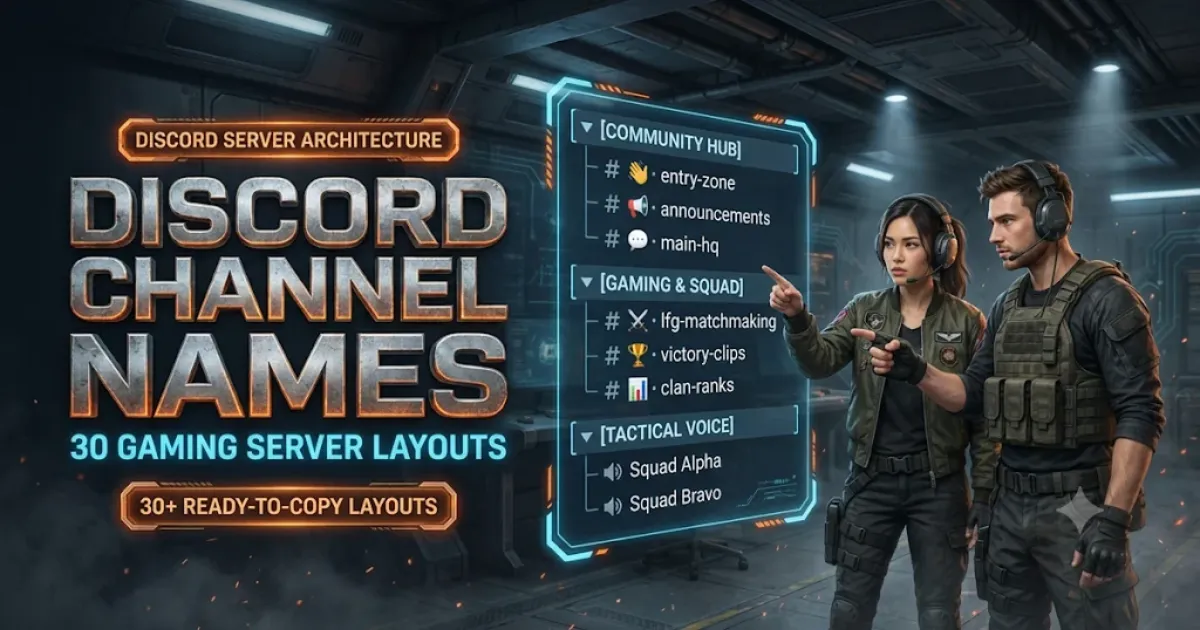
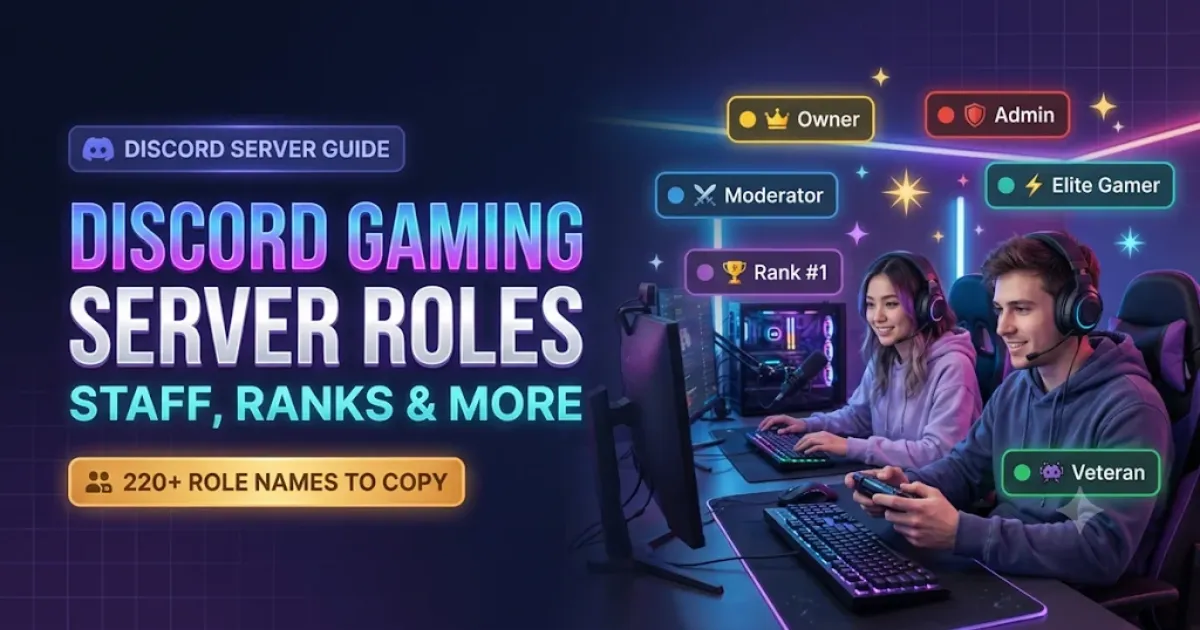
If you're still organizing your server, explore NickFinder's Discord Channel Names for Gaming Servers and Discord Gaming Server Role Names collections. You can also find matching symbols and profile ideas in the Lenny Face Generator and Kaomoji Discord Bio Templates.
Explore More Discord & Gaming Server Tools
- Need ready-to-use channels? Browse Discord Channel Names: 30 Gaming Server Layouts.
- Looking for roles & permissions? Check out 220 Discord Gaming Server Role Names.
- Want aesthetic profile bios? Explore 160+ Cute & Aesthetic Kaomoji Discord Bio Templates.
- Need gaming status ideas? Read 180+ Discord Status Ideas With Text Faces & Symbols.